 6+1 DoF Open-Source Arm
Build with reBot
Your First Robotics Arm
Accelerate Physical AI Deployment in Real World
High Performance & Extensive Application
Specification
Find the Right Configuration for You

reBot Arm DM

reBot Arm RS
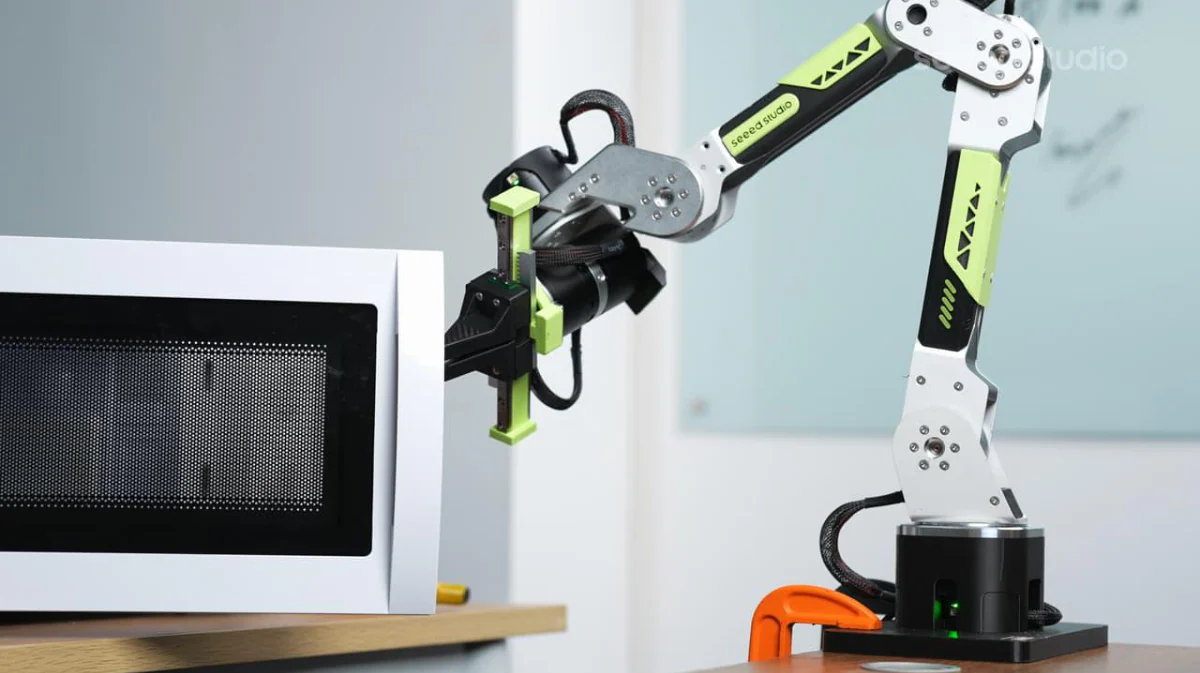
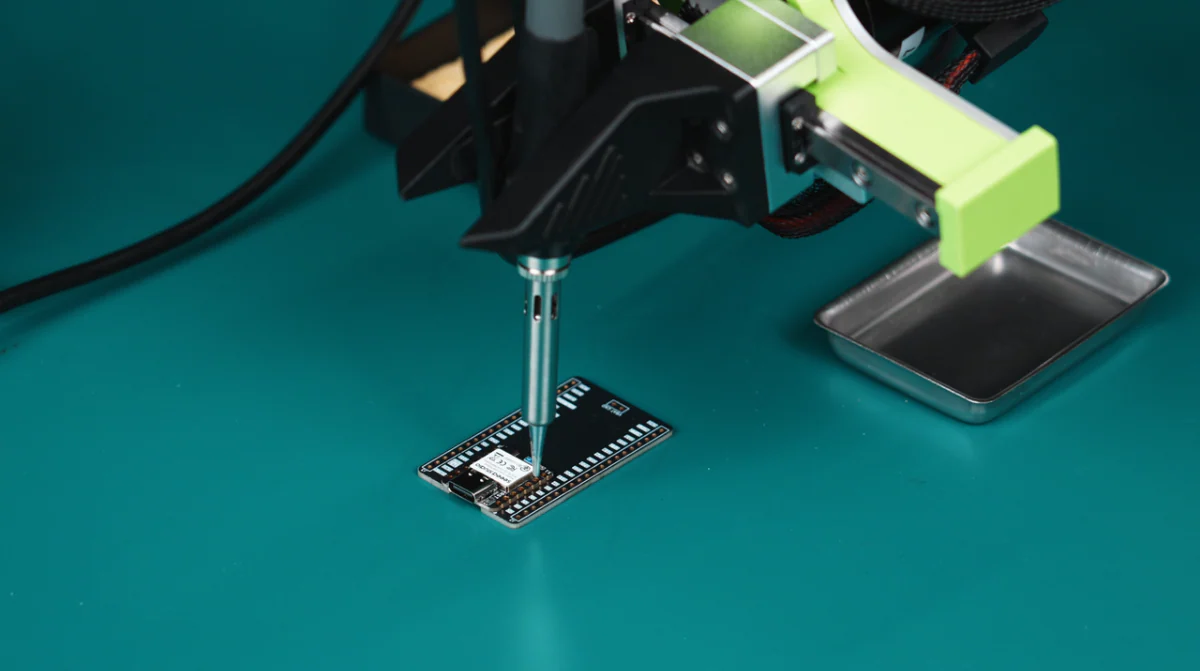
From Learning to Deployment
From Academic Embodied AI Education to Industrial Edge AI Deployment
Learning Physical AI
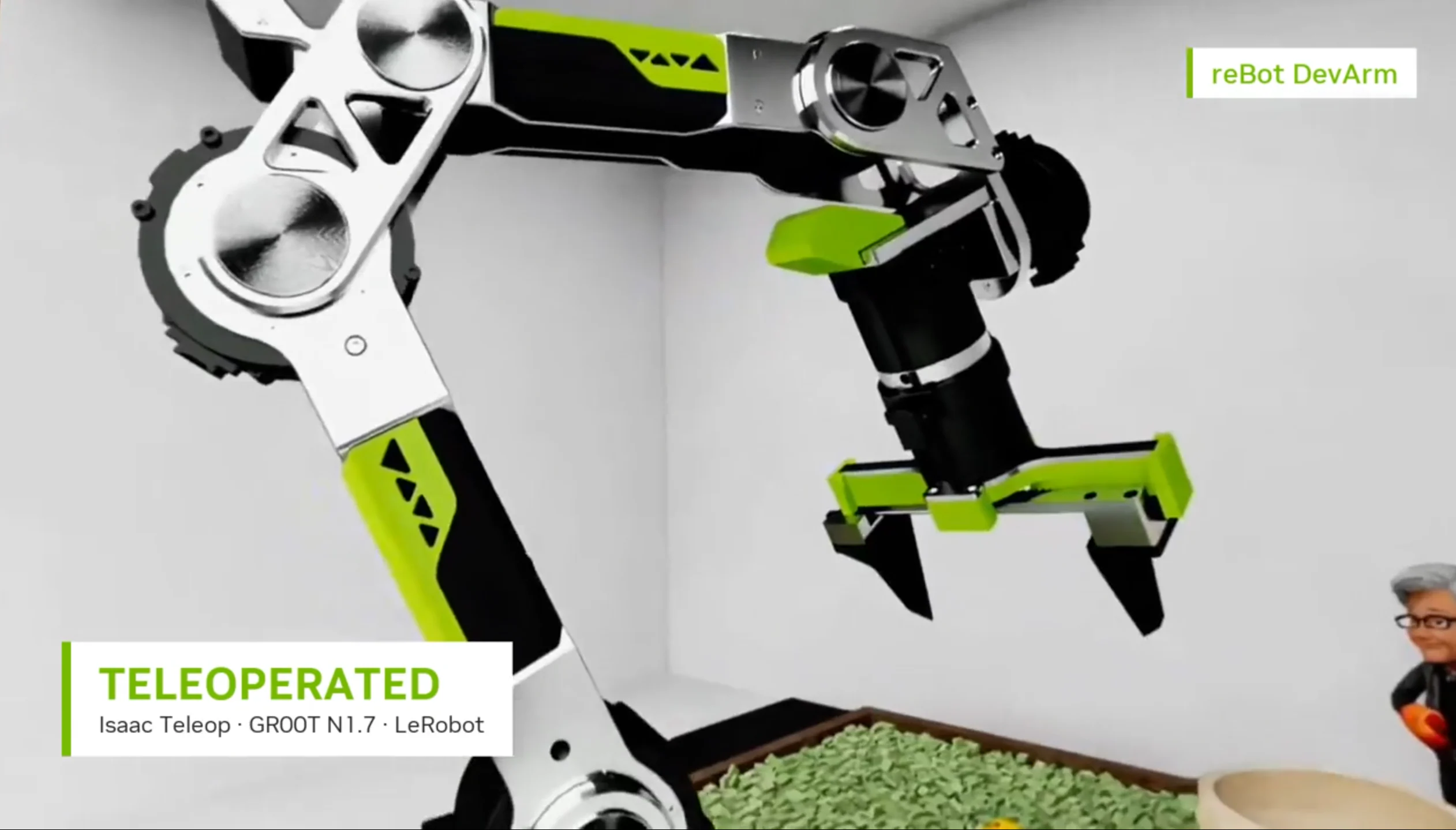
Collaborating with NVIDIA, Seeed provides a Sim-to-Real VLA Pipeline with Seeed reBot Arm and NVIDIA Isaac. Official hands-on curriculum bridging academic research and higher education.
Accelerate VLA Research
A ready-to-run experiment platform for cutting-edge Vision-Language-Action models. Seeed reBot Arm comes with compatibility and verification of today's most popular VLA baselines — so you can go from paper to real-robot evaluation in hours, not weeks.
Massive Support for Robot Data Acquisition
Scale up your embodied AI data engine. Seeed reBot Arm turns teleoperation into training-ready datasets — native LeRobot Dataset format, multi-camera capture, checkpoint-and-resume recording, and one-click sync to Hugging Face Hub — ready to deploy across fleets, sites, and annotation teams.
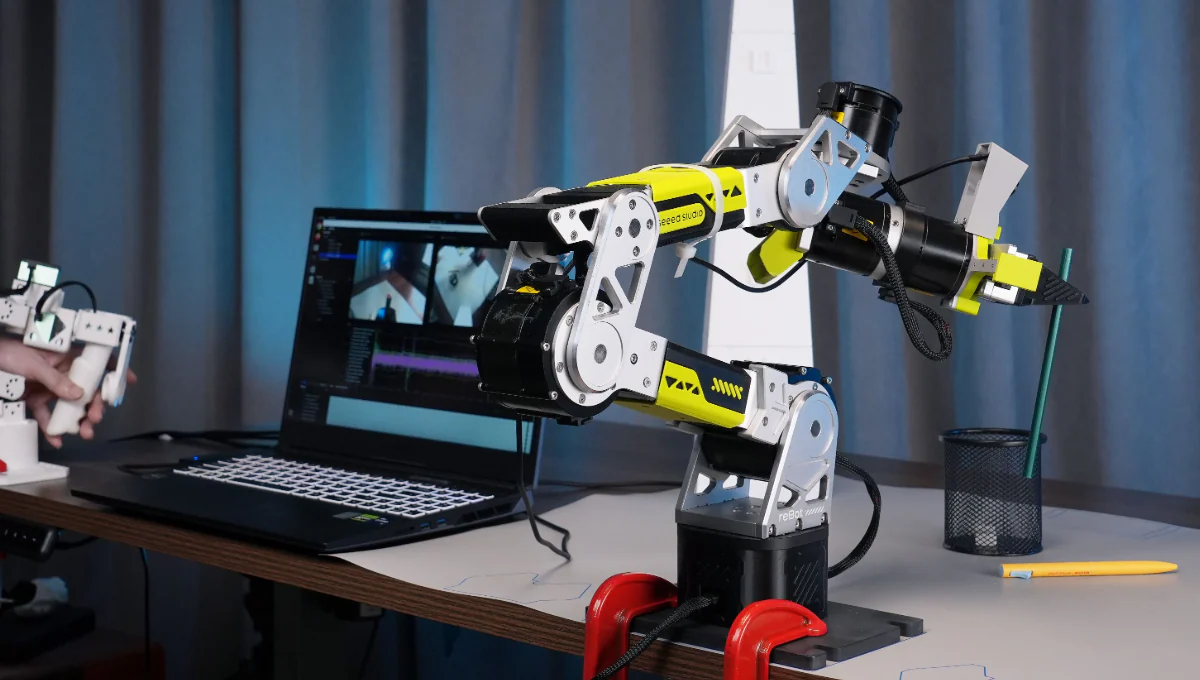
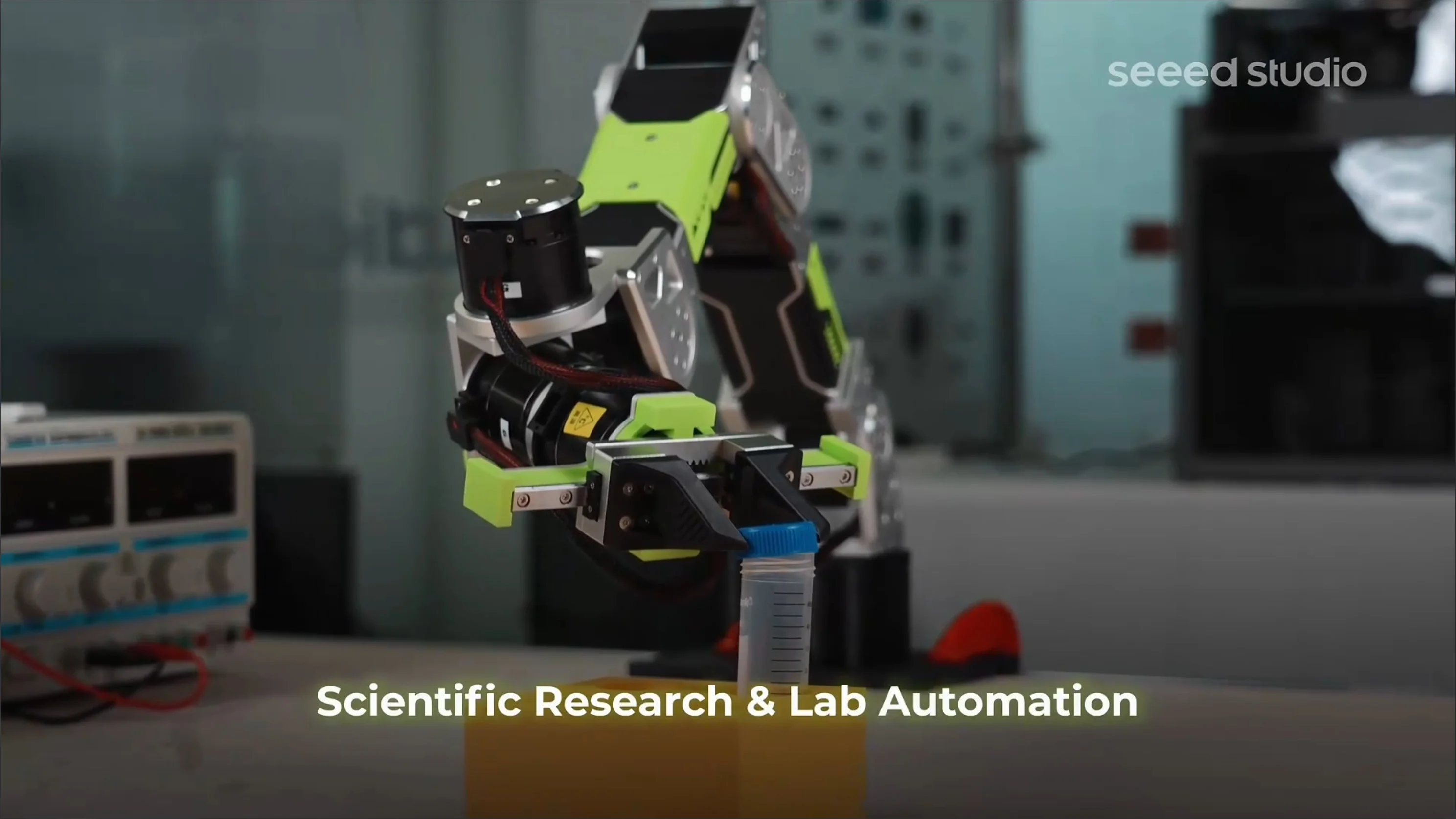
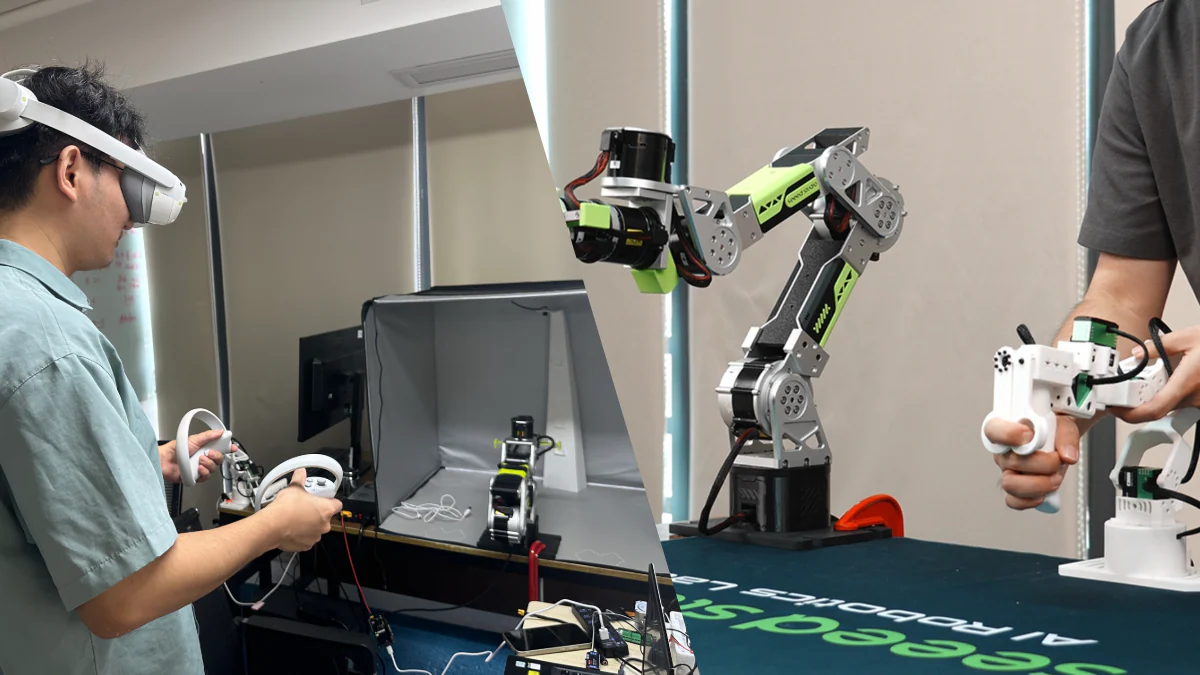
Quick Sim-to-Real Experience
Interactive 3D MuJoCo Simulation in Your Browser
MuJoCo 3D Simulation
Watch reBot Arm B601-RS digital twin executing real-time 3D physics trajectories, pick-and-place tasks, and multi-camera perception.
Developer Hub
Explore projects, tutorials, and co-creation opportunities with global developers
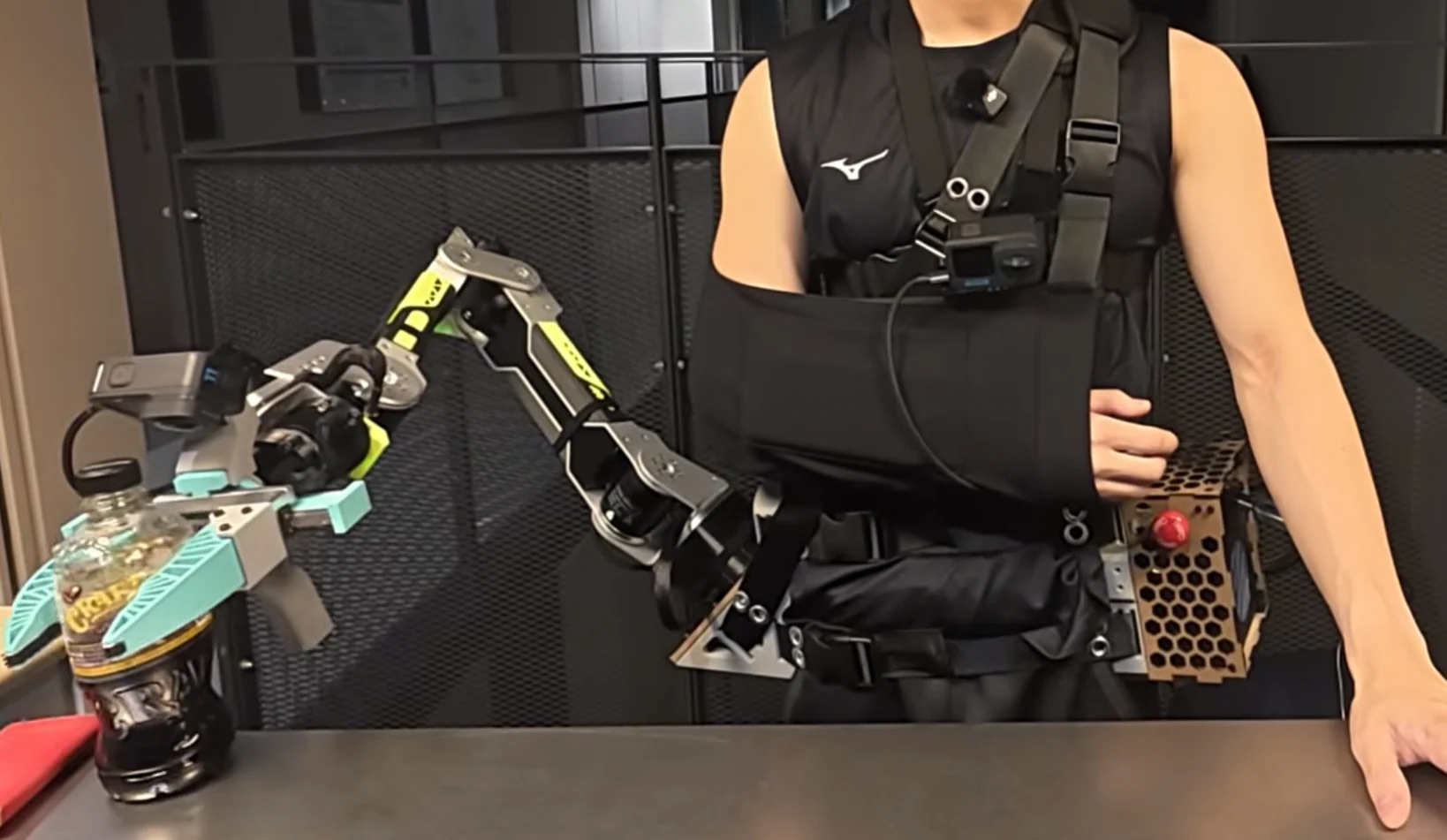
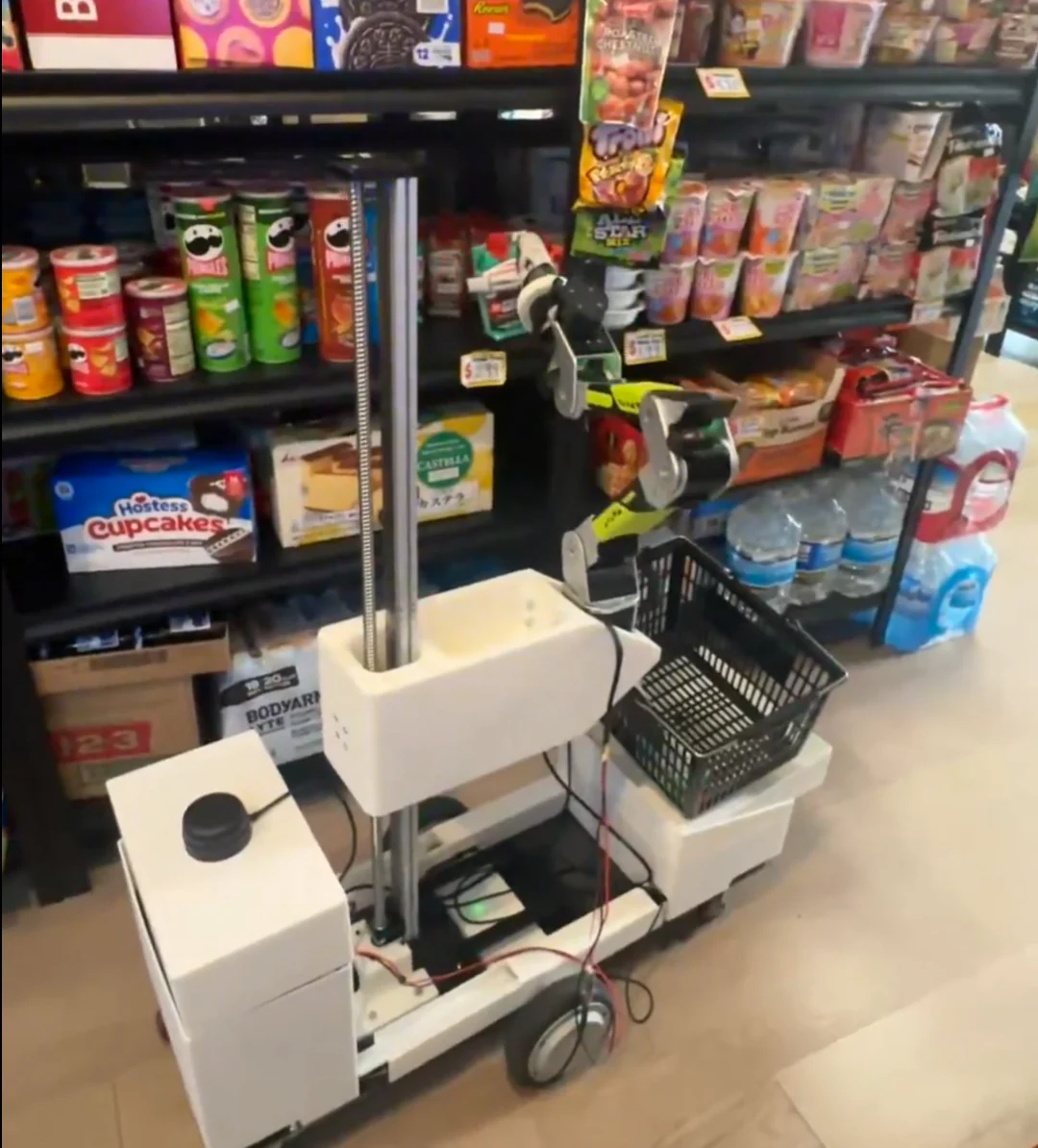
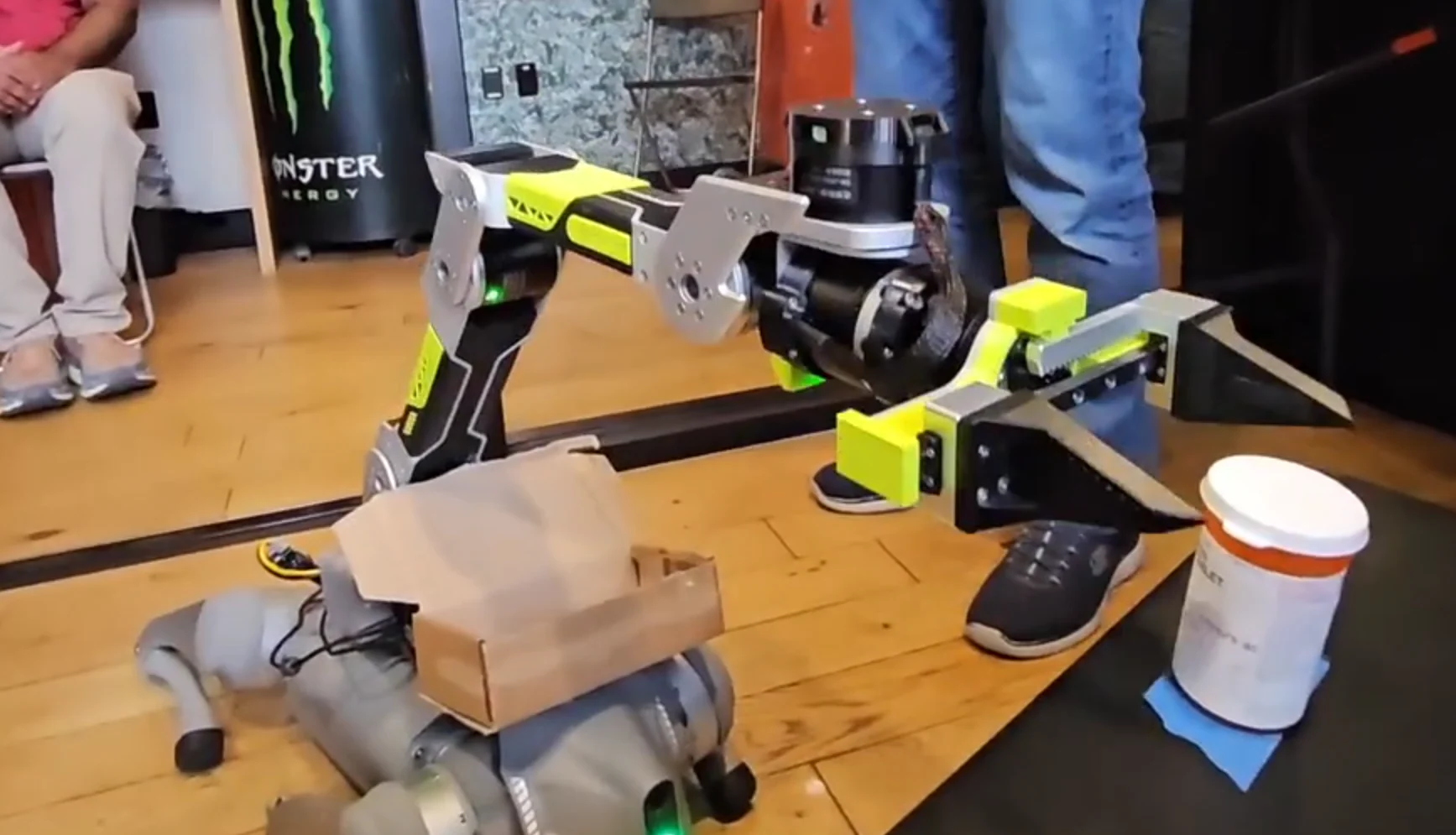
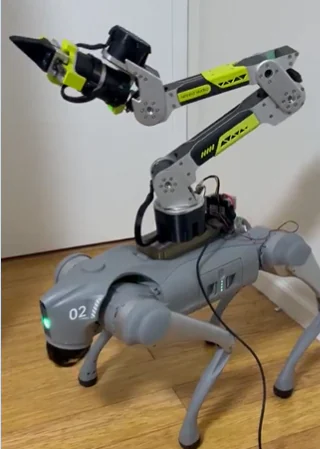
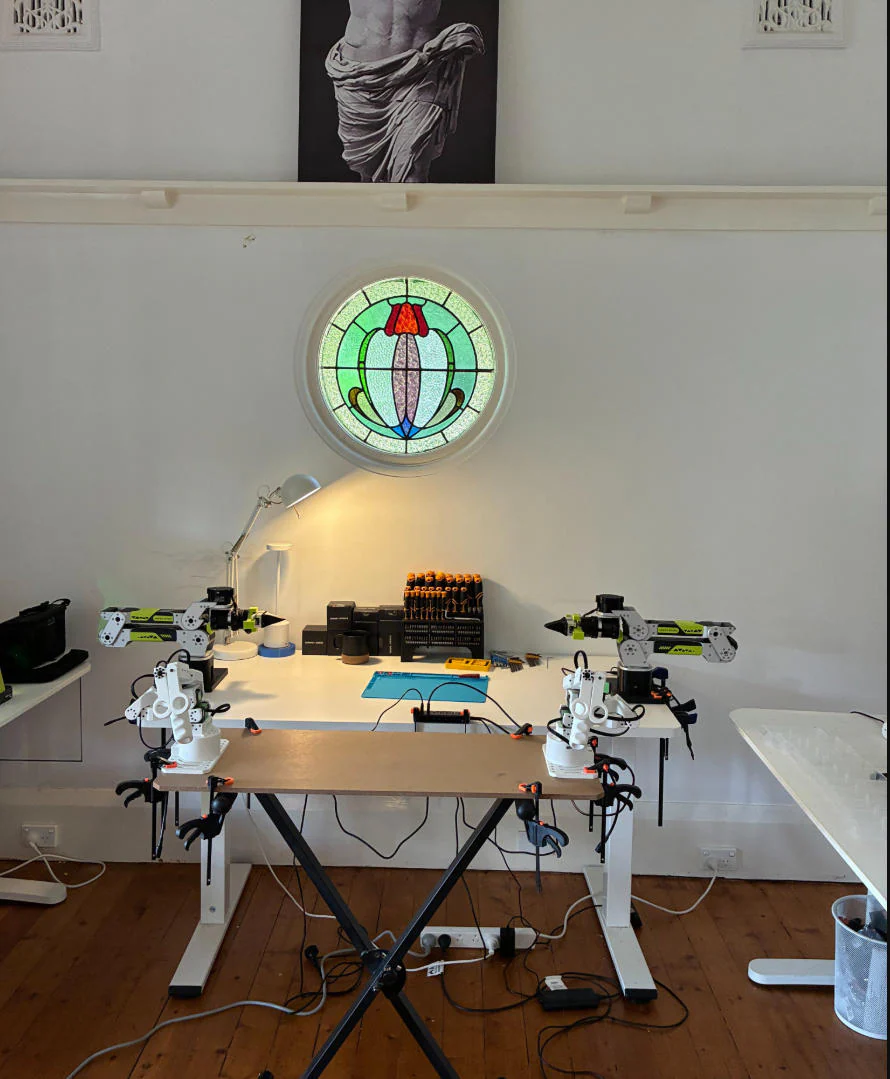
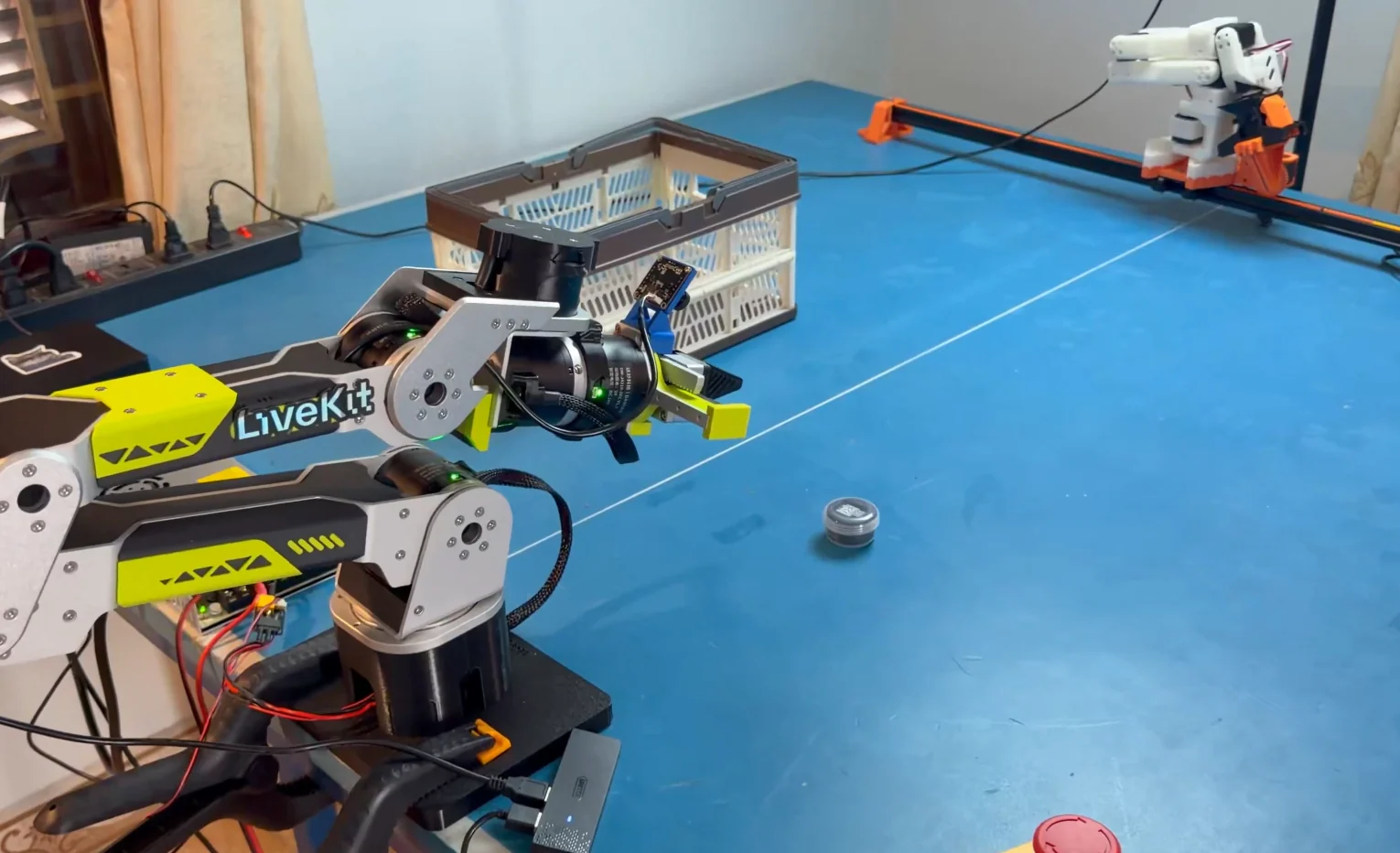
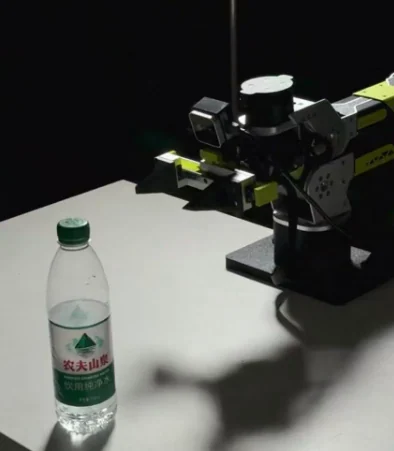
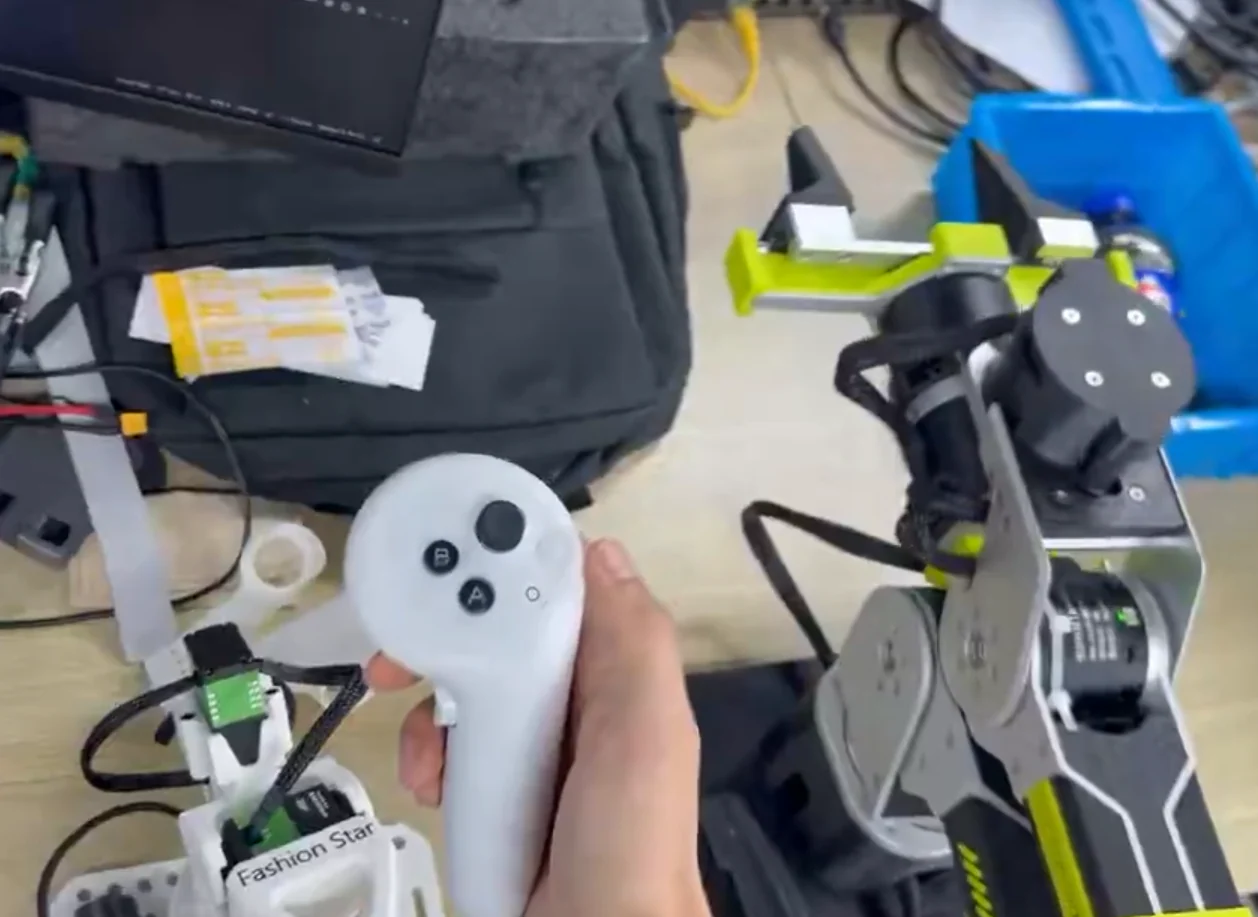
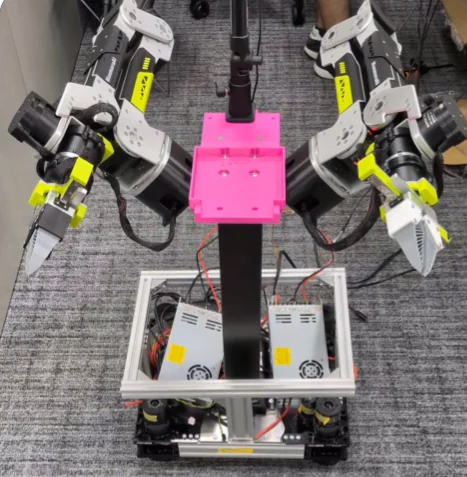

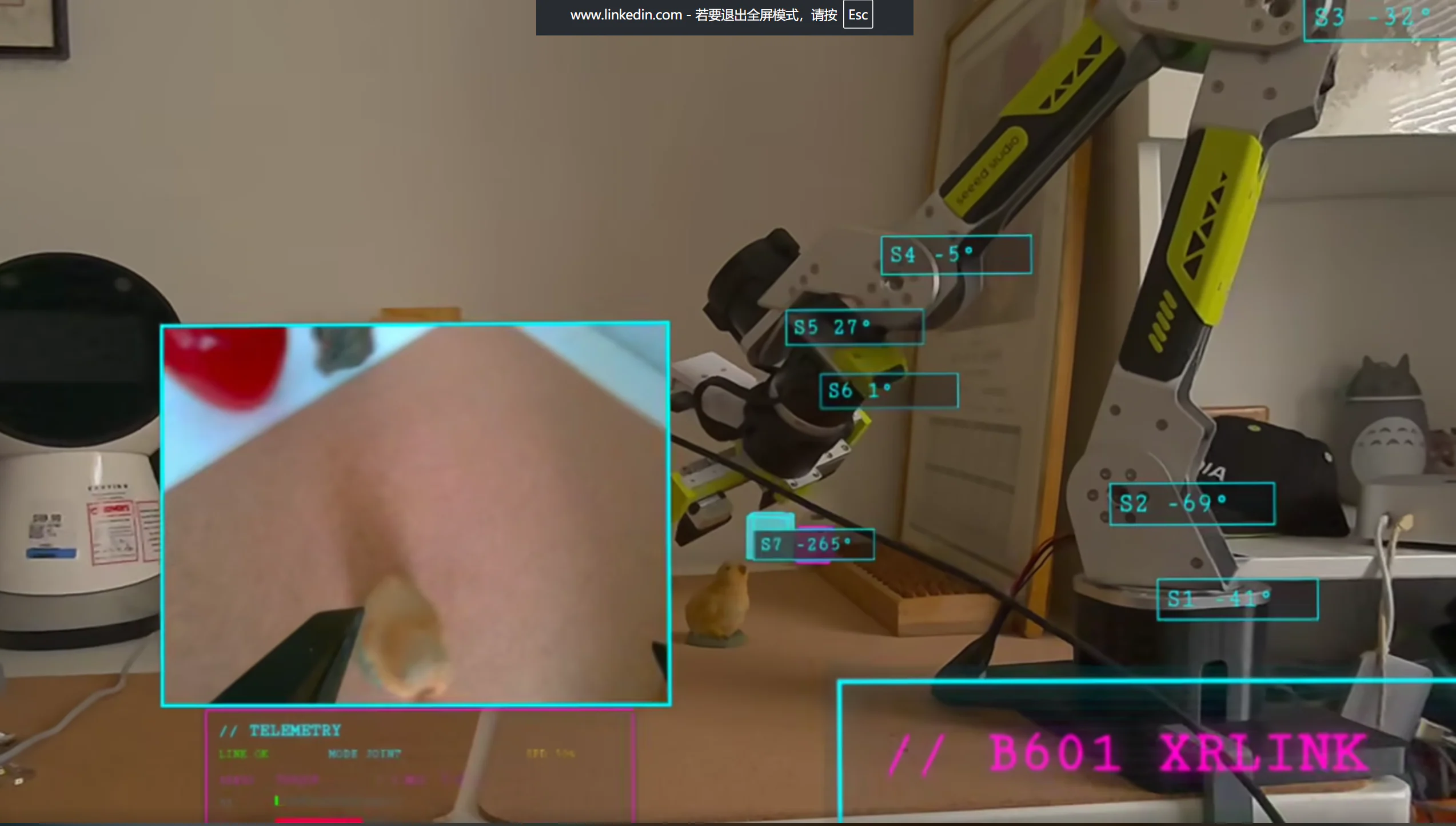
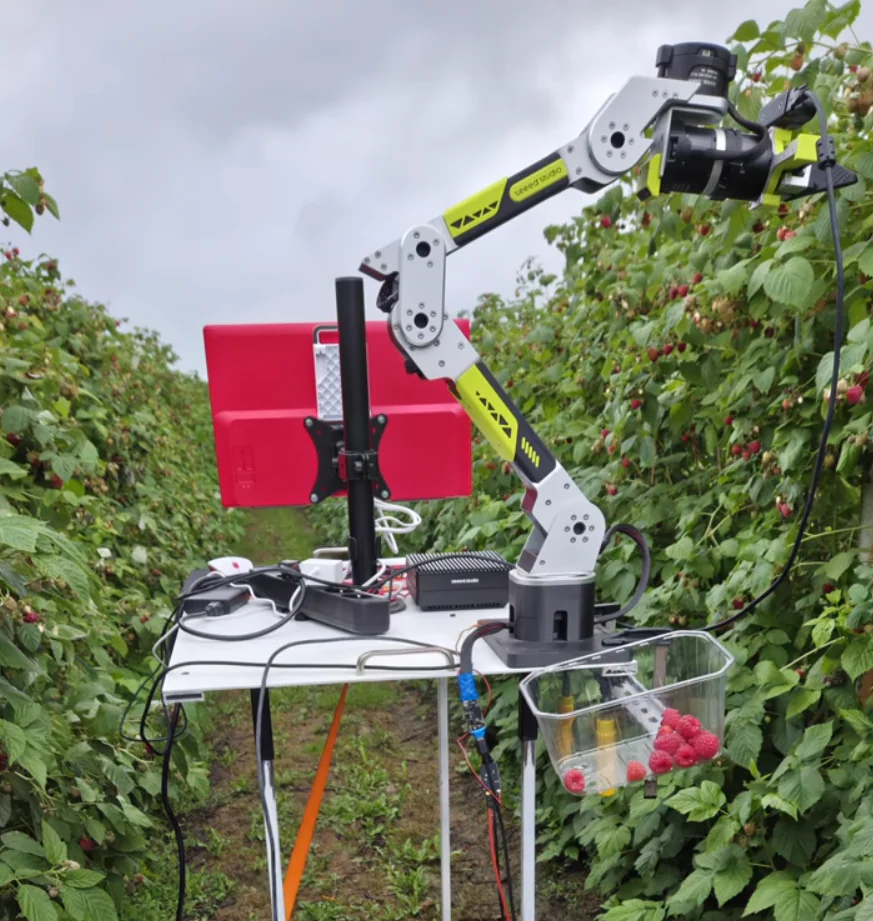
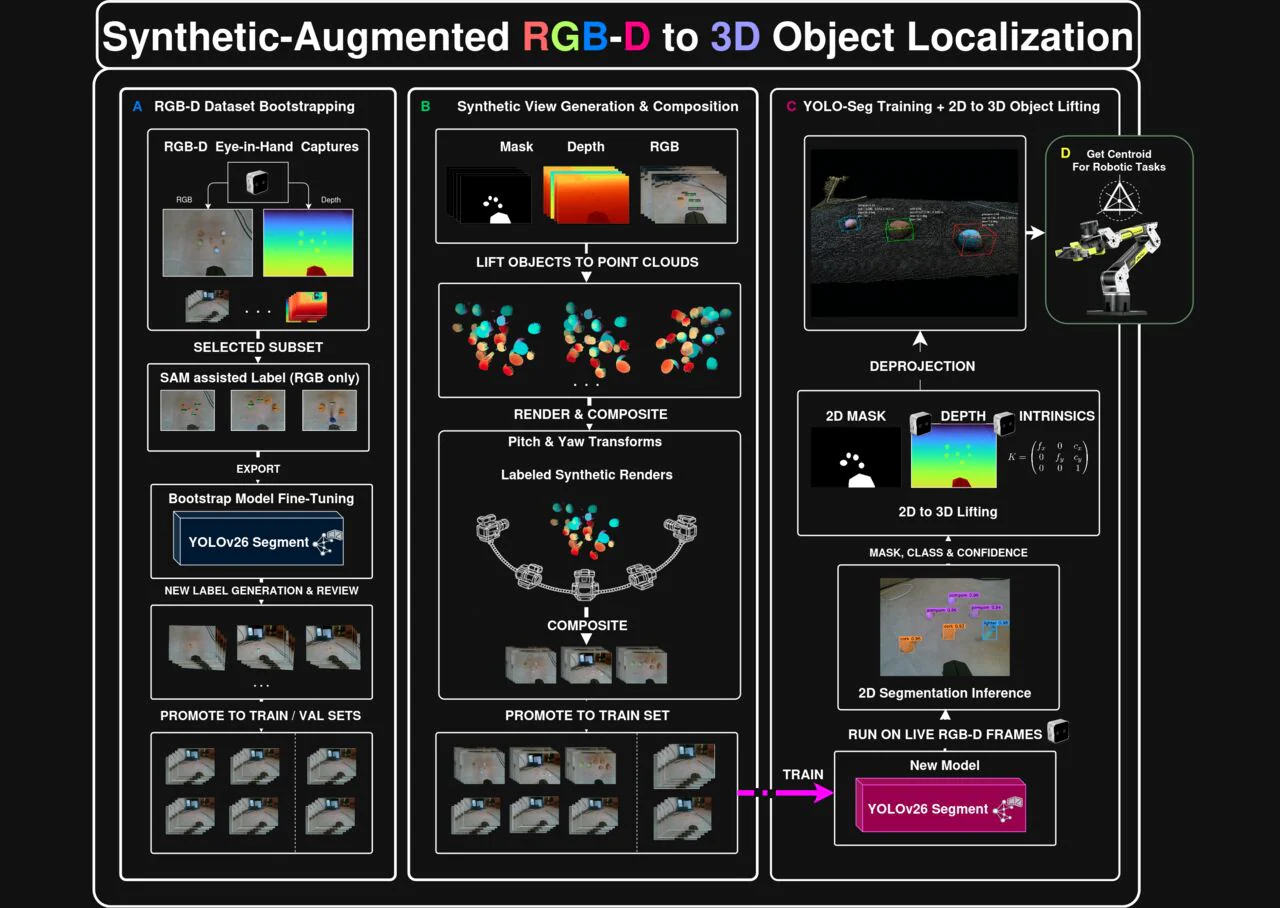
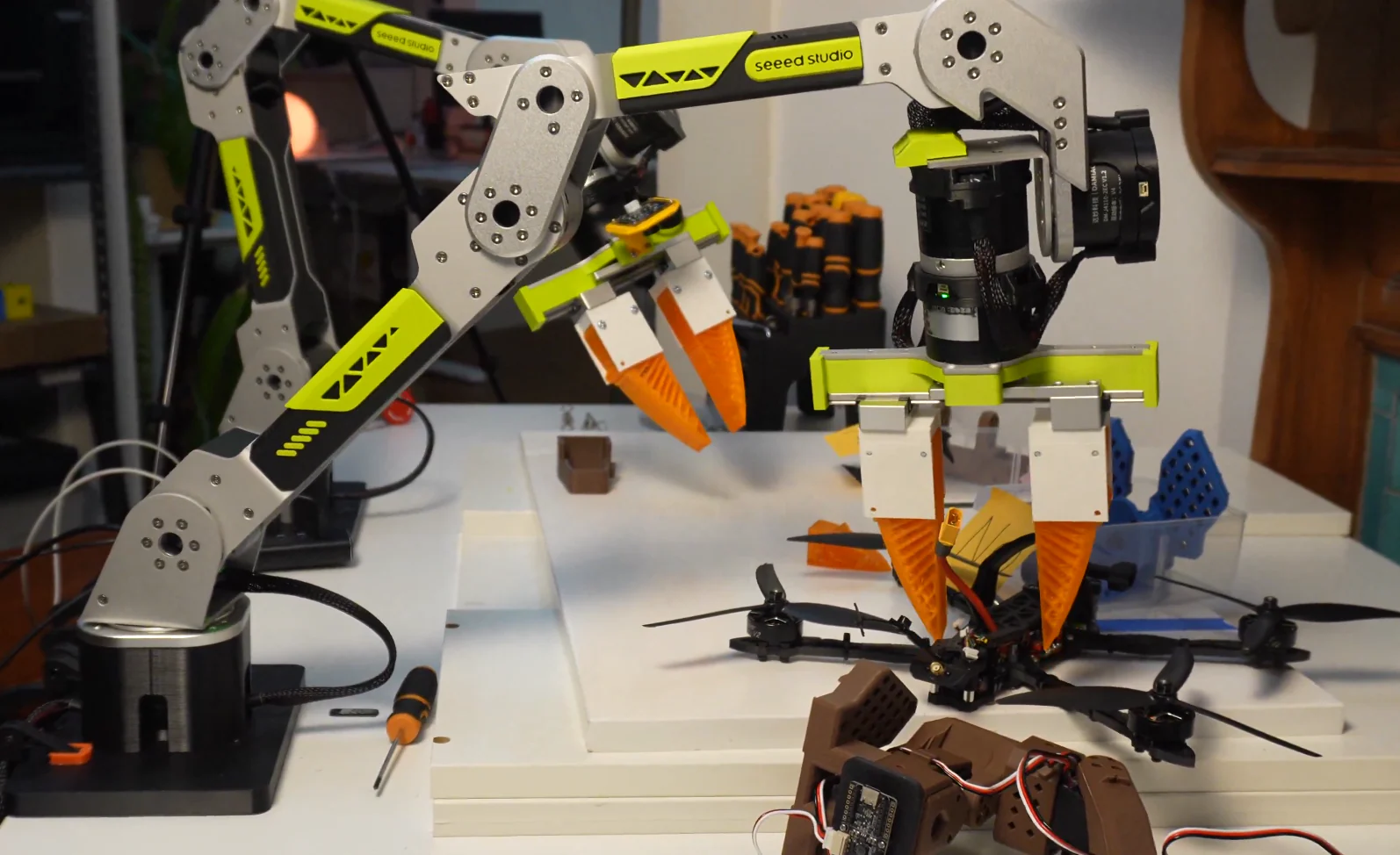
01 See What You Can Build
Explore real-world projects and creative builds from global developers
02 Co-Create with Seeed
Join Seeed's global community, project calls, and partnership programs
Physical AI Project of the Month
Showcase your innovative robotics builds with Seeed reBot Arm. Win hardware grants, global community spotlights, and official co-marketing support from Seeed team.
Global Physical AI Workshop Partnership
Host a hands-on Physical AI & Embodied AI workshop at your university, lab, or hackerspace. Seeed provides reBot hardware grants, curriculum resources, and event support.
Embodied AI Hackathon & Events
Join Seeed global hackathons and developer events. Explore upcoming competition calendars, challenge tracks, hardware sponsorships, and past event recaps.








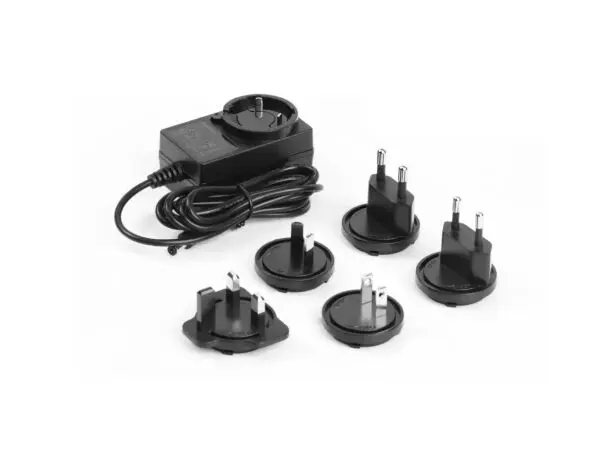
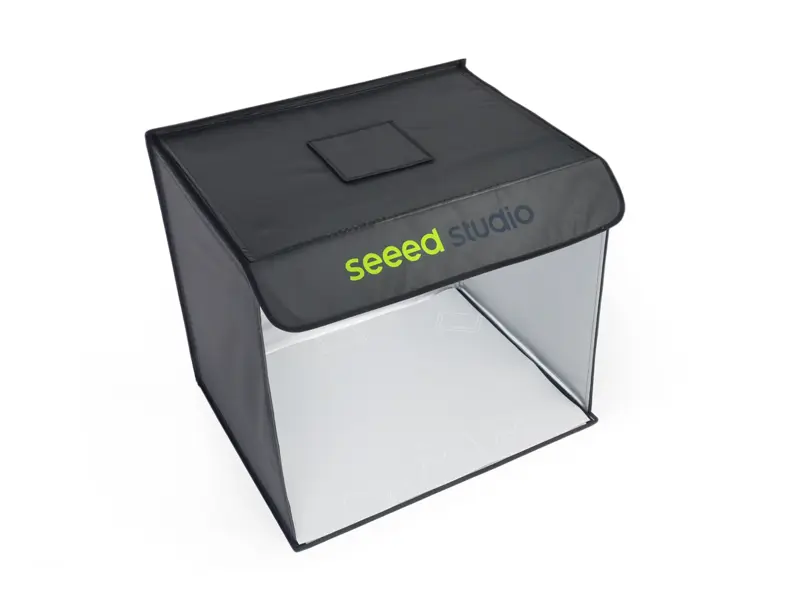
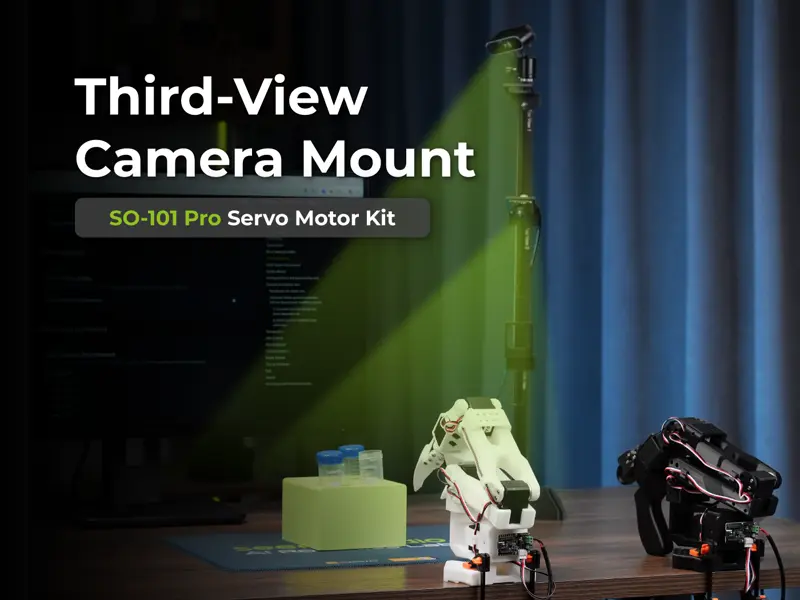
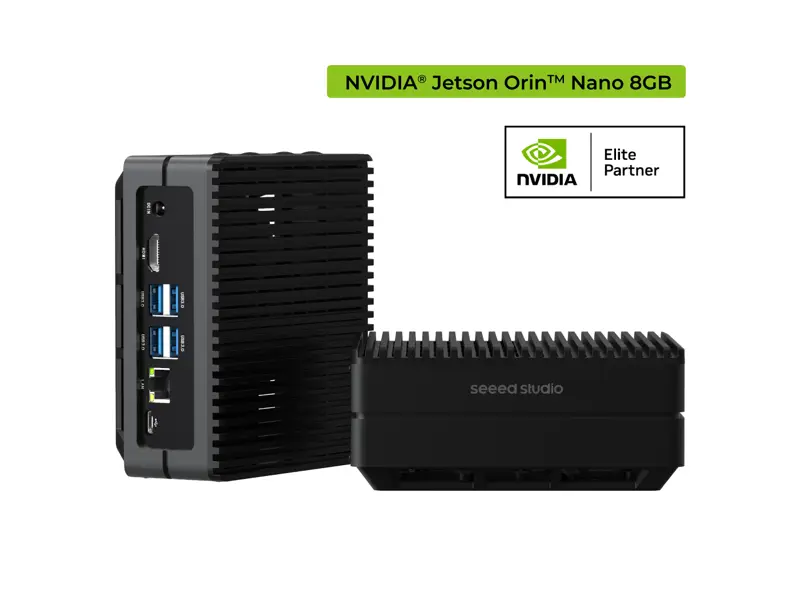
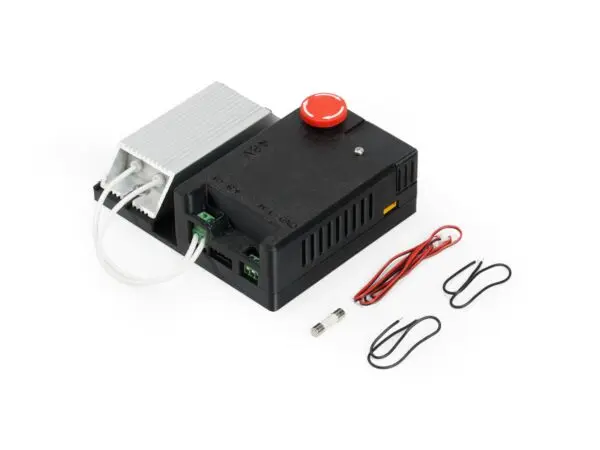
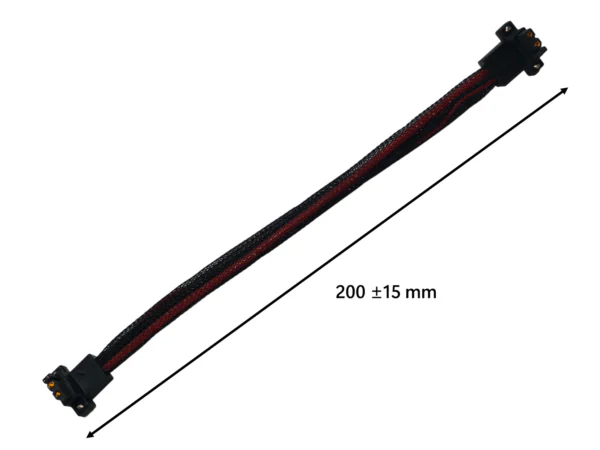
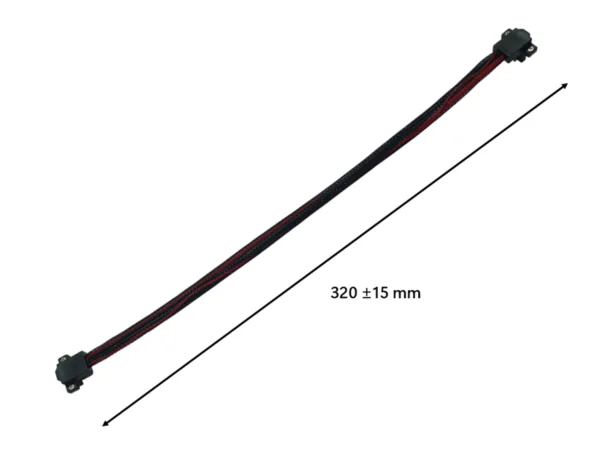
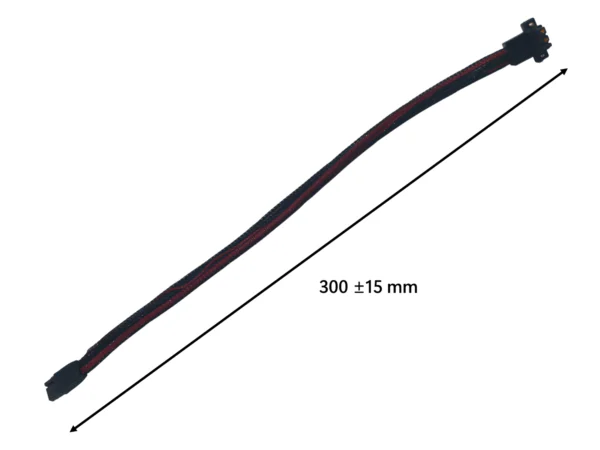
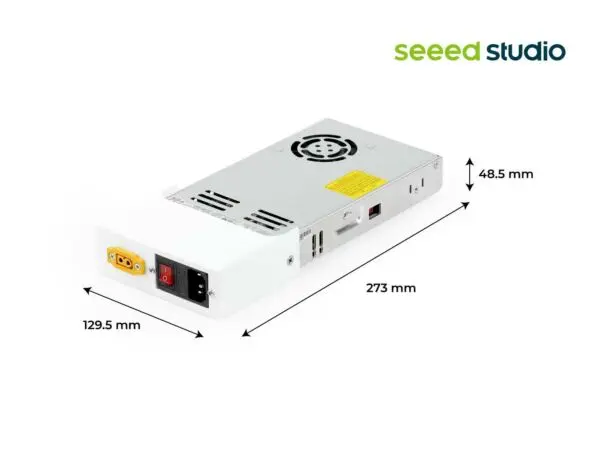
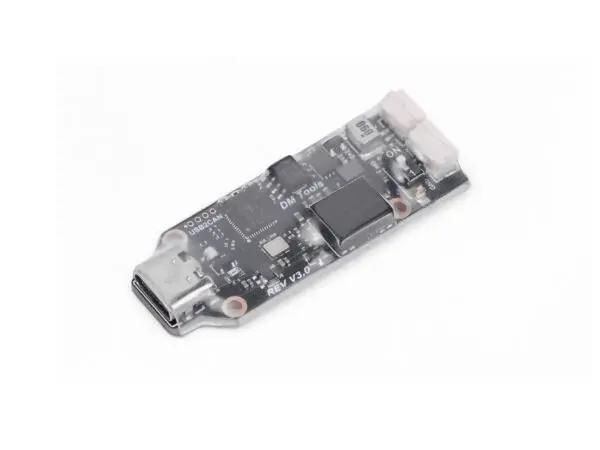
Complete Your AI Robotics Station
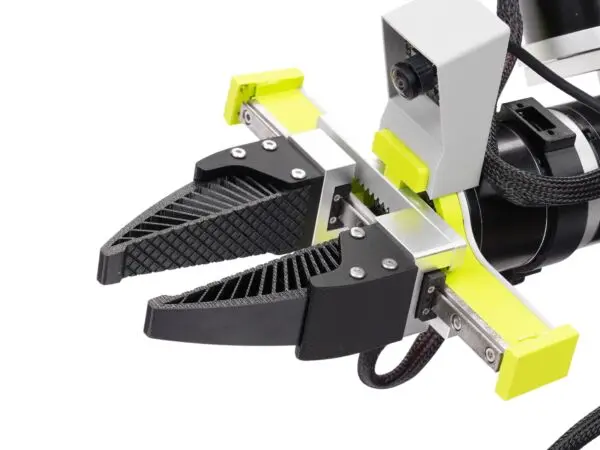
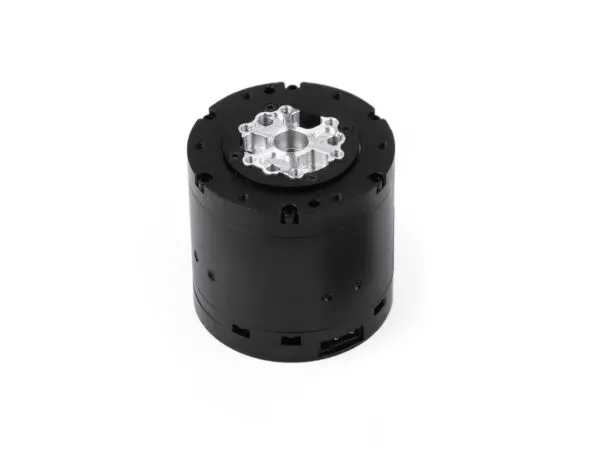
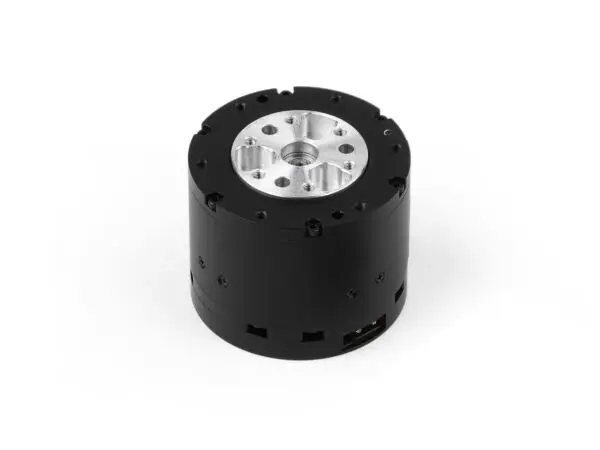
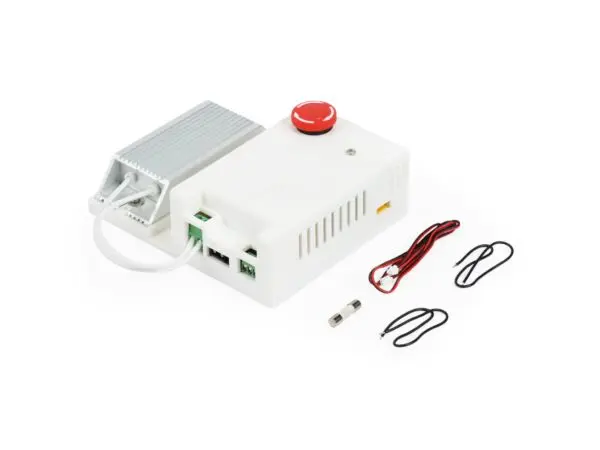
Plug-and-play accessories verified by Seeed team
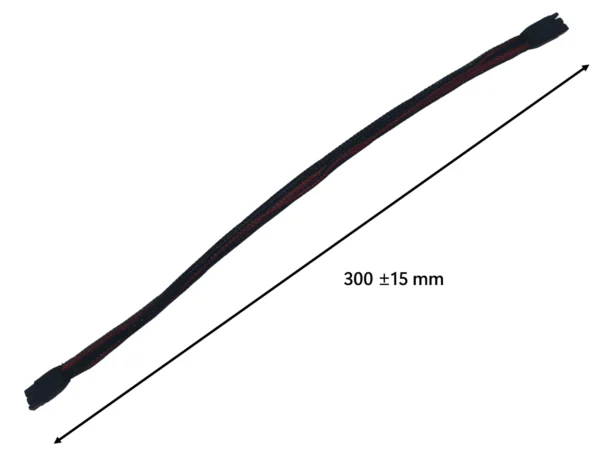
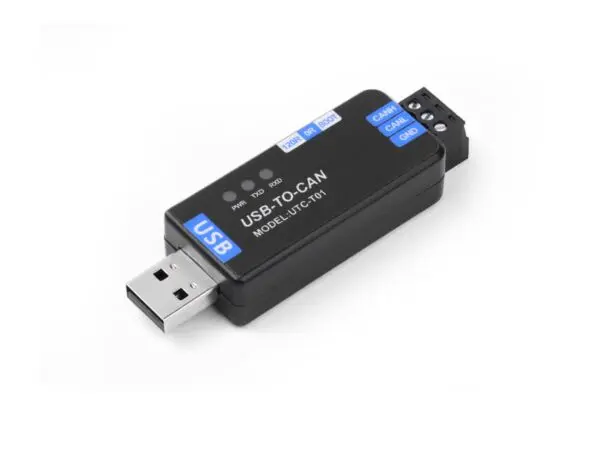
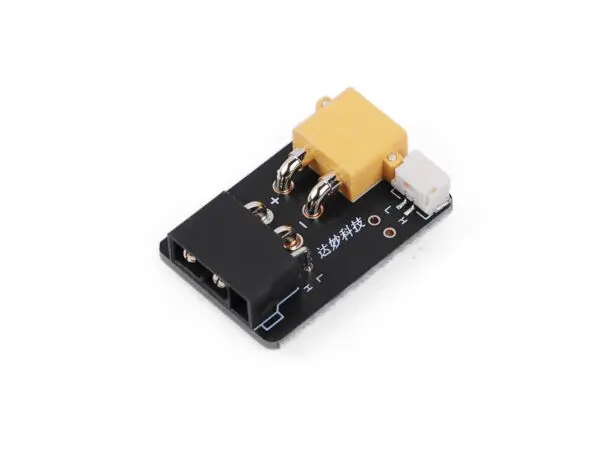
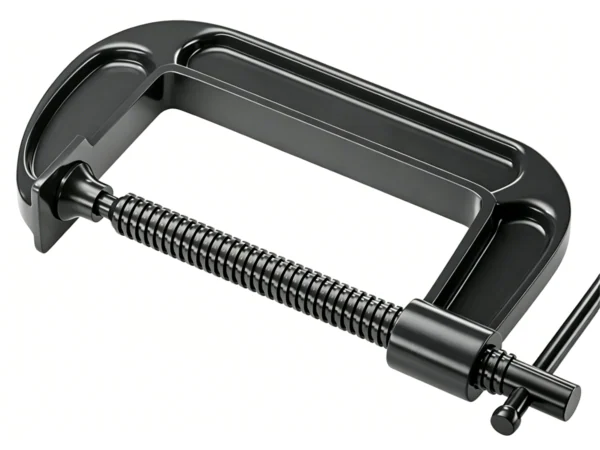
F & Q
Everything you need to know about reBot Arm, open-source resources, and getting started
What's the difference between reBot Arm DM and RS? Which one should I choose?
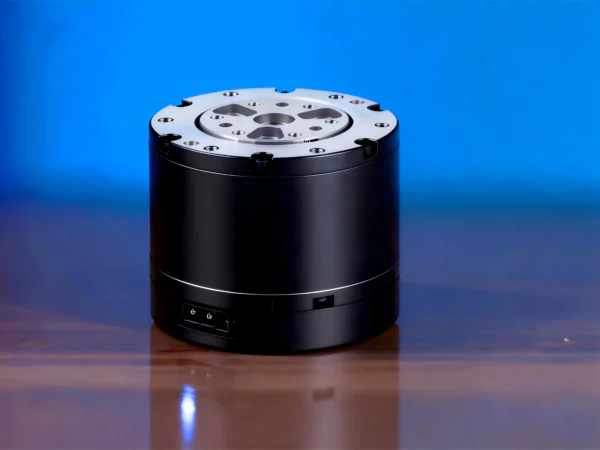
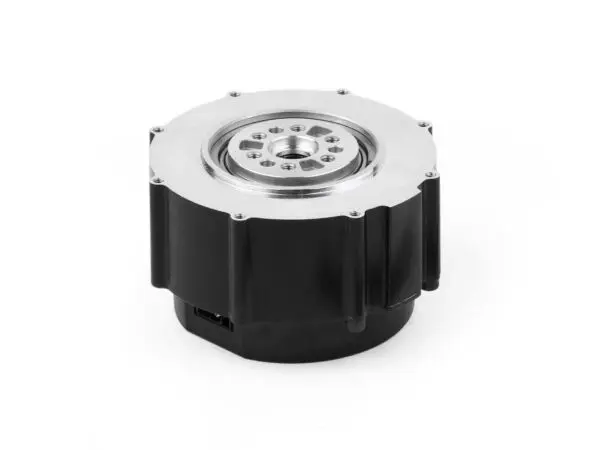
The DM version uses Damiao actuators (DM4310 / DM4340P) with a 1.5 kg rated payload and ±0.2 mm repeatability — ideal for beginners, education, and lightweight projects. The RS version uses RobStride actuators (00 / 06) with a 2.5 kg rated payload, ±0.1 mm repeatability, and higher torque — built for research labs and lightweight industrial automation. Not sure? Start with DM if you're learning, go with RS if you need precision and payload. Check the spec comparison table above for details.
Is reBot Arm fully open-source? What exactly is open?
Yes — reBot Arm is fully open-source. This includes hardware design files, firmware, ROS2 drivers, MuJoCo / Isaac Sim simulation models, and all example code. Everything is hosted on our GitHub repository. You're free to modify, customize, and build on top of it for your own projects.
Who is reBot Arm for? Can a beginner get started with it?
reBot Arm is designed for developers, researchers, students, and AI innovators — anyone who wants to explore physical AI and robotics. If you're new to robotics, absolutely: our Learning Physical AI course walks you from the very basics all the way to VLA model deployment, with 19 modules and 20+ hours of hands-on content.
What programming languages and frameworks does reBot Arm support?
reBot Arm supports Python, ROS2 Humble, and the LeRobot framework out of the box. You can control it directly from your browser via SenseCraft, write custom Python scripts, or integrate with ROS2 for more advanced workflows. It's also compatible with MuJoCo and NVIDIA Isaac Sim for simulation-to-real pipelines.
Which depth cameras are compatible? Do I need to buy one separately?
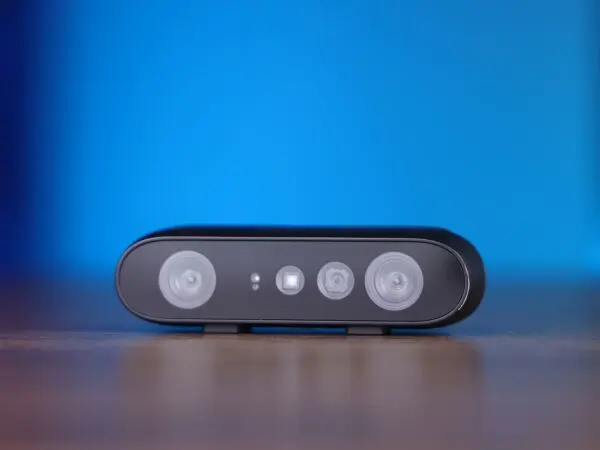
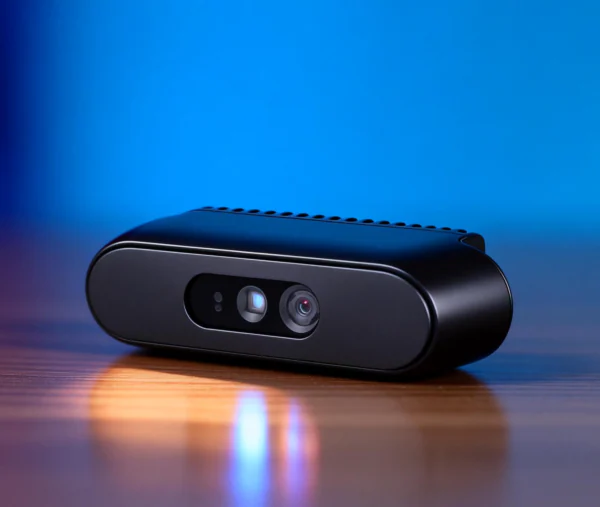
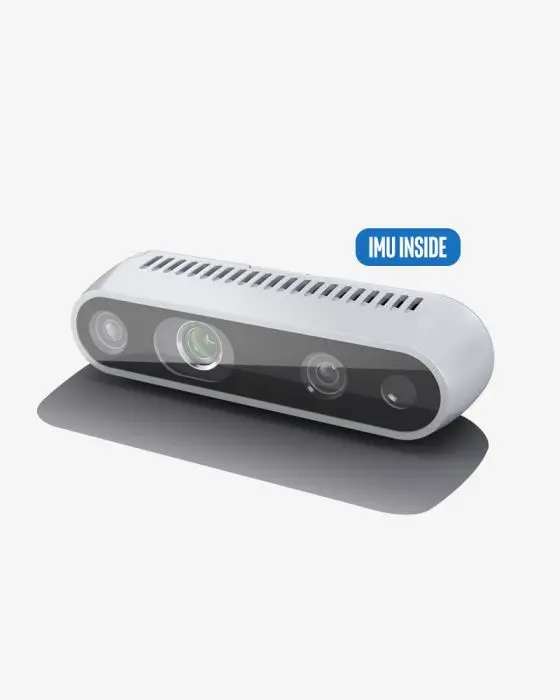
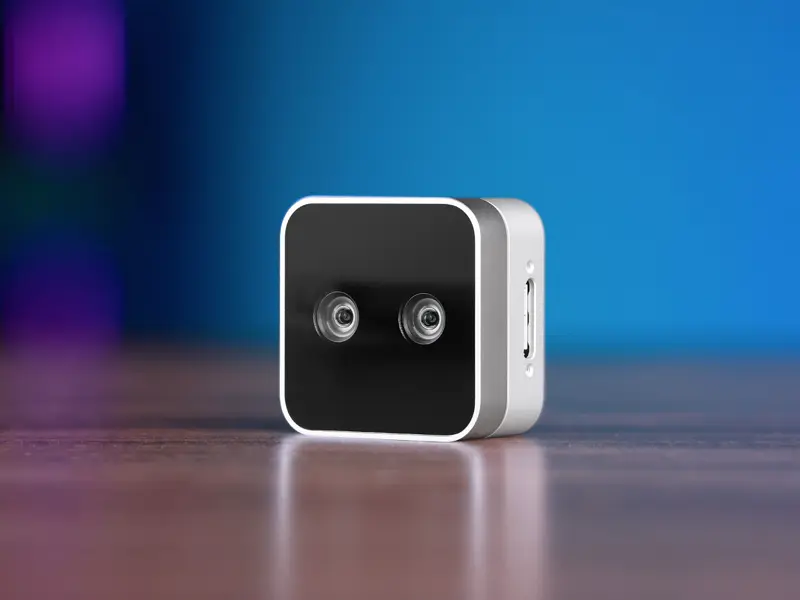
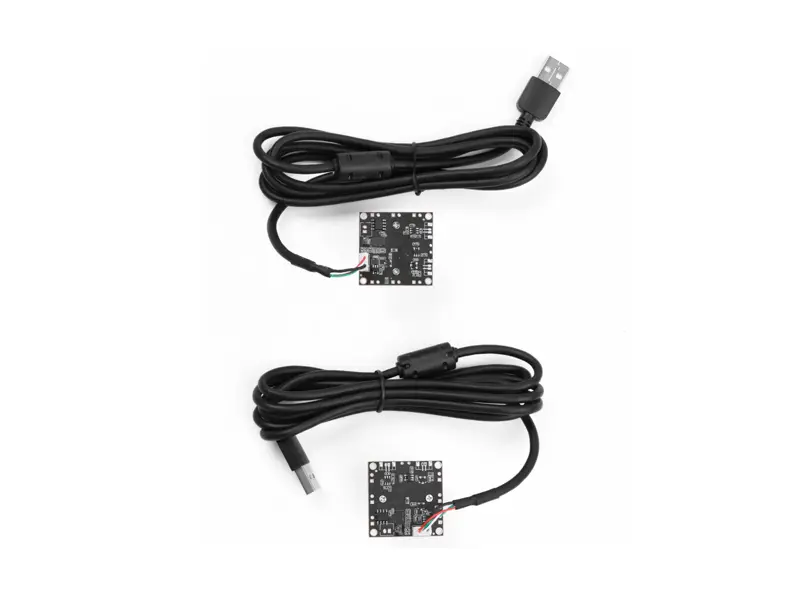
reBot Arm is officially tested and validated with Orbbec Gemini 2, Orbbec Gemini 336, Intel RealSense D435i, and RealSense D405. All are available as add-on accessories — see our accessories section below. You can also use your own USB camera that supports standard video capture.
What kind of computer do I need? Any GPU requirements?
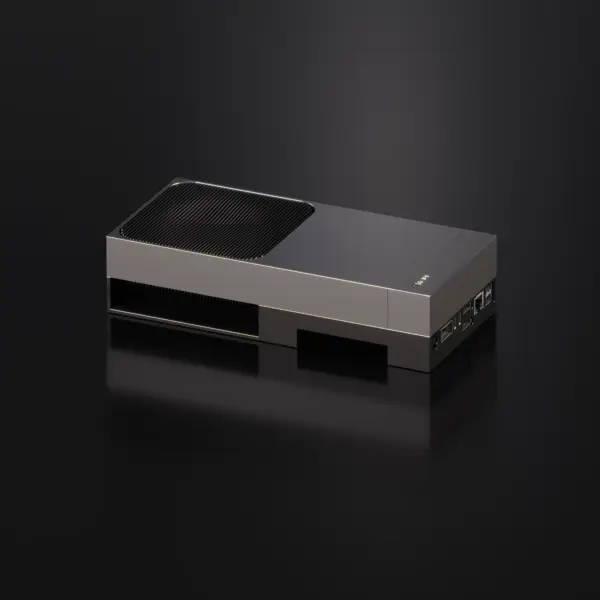
For basic control and learning, any modern laptop will do. For AI training and VLA model deployment, we recommend a machine with an NVIDIA GPU (8GB+ VRAM), or our reComputer J3011 edge AI box for on-device deployment. And if you just want to try things out first, our browser-based MuJoCo simulator runs entirely in your browser — no local setup needed.
What's included in the Learning Physical AI course? Is it free with the arm?
The Learning Physical AI course is a paid program with 19 detailed modules across 5 core chapters, totaling 20+ hours of content. It covers everything from basic machine vision to building a full Sim-to-Real VLA pipeline using reBot Arm and NVIDIA Isaac. You can purchase it separately, or grab the Arm + Course bundle for a discounted price — see the course section above.
Are there tutorials and community support available?
Absolutely. We have comprehensive Wiki documentation with separate getting-started guides for both DM and RS editions. Our open-source community is active on GitHub, Discord, and WeChat groups. We also run a monthly project showcase and global workshop program — check out the Developer Hub to join.
What is sim-to-real? Can I try reBot Arm without buying the hardware first?
Sim-to-real means you can train and test your algorithms in simulation first, then deploy them directly to the real robot with minimal changes. And yes — you can try our MuJoCo simulator right in your browser for free. It's a fully interactive virtual reBot Arm. Launch the simulator to start exploring.
What's the shipping and warranty policy?
We ship worldwide. Orders typically ship within 3–5 business days, and delivery time depends on your location (usually 7–14 days for most countries). reBot Arm comes with a 1-year limited warranty covering manufacturing defects. If you have any issues, our support team is here to help — reach us through GitHub Issues, Discord, or our support email.